How to add a new employee
Step 1: Open the Employees tab
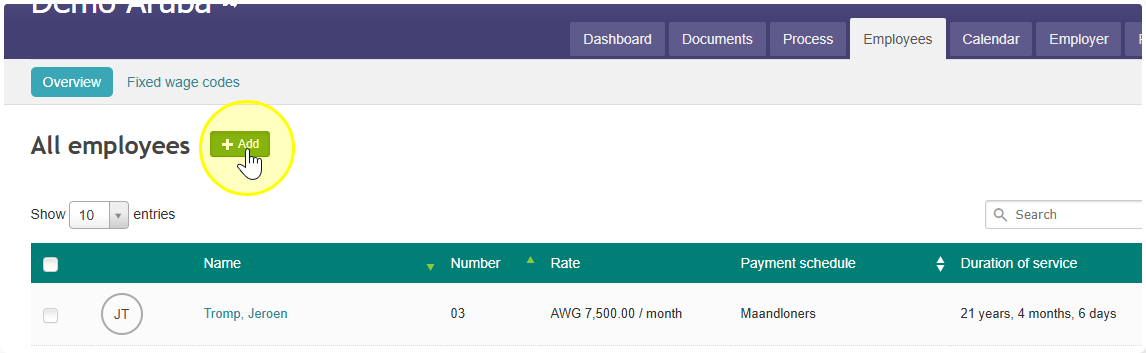
Go to the Employees tab and click Add.
This can also be done in the Employer tab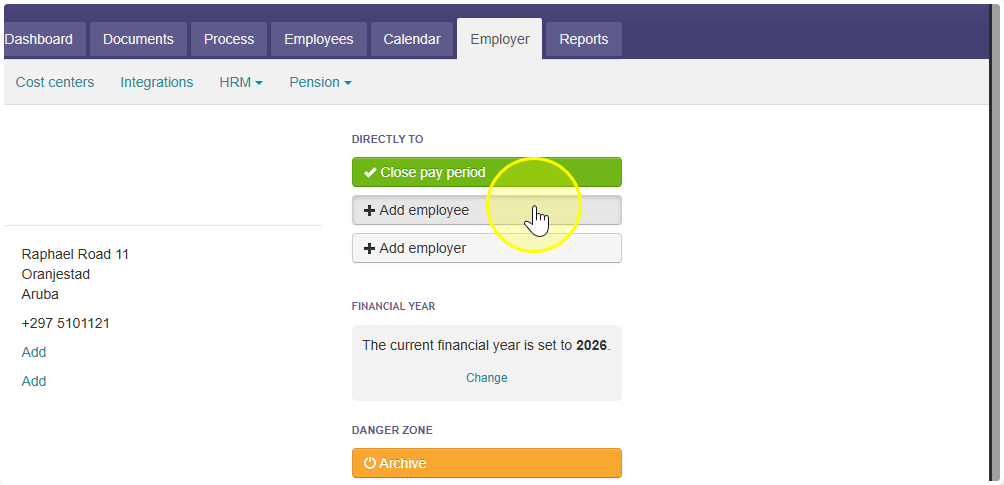
Step 2: Choose a category
Before you fill in any details, pick a category for the employee.
Most employees have a standard contract. If that's the case, just choose Standard. Only pick a different category if the employee has a special type of contract.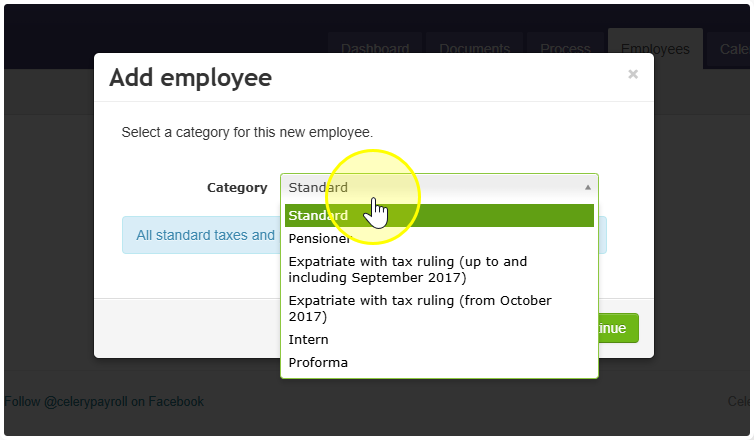
Step 3: Fill in the details
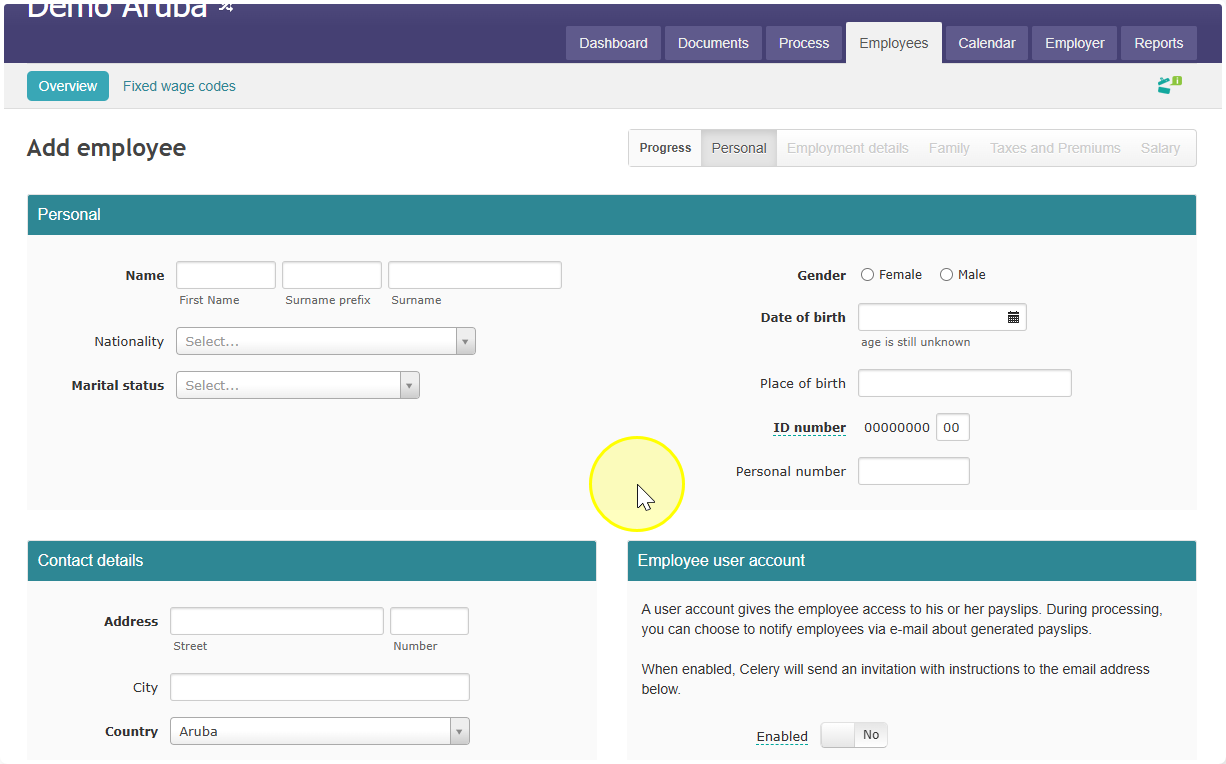
Click Continue. Now you can fill in all the employee's details.
Need a little extra help?
Watch this short Celery video. It shows you step by step how easy it is: