HRM - Employees Documents
This is where you keep all documents for an employee in one place.
What can you do here?
- Store documents like contracts, evaluations, or warnings.
- Choose per document who is allowed to see it.
- Build a file for when an employee leaves, and share it only with the manager if you want.
How to add a document?
- Go to the Employees tab.
- Select the employee.
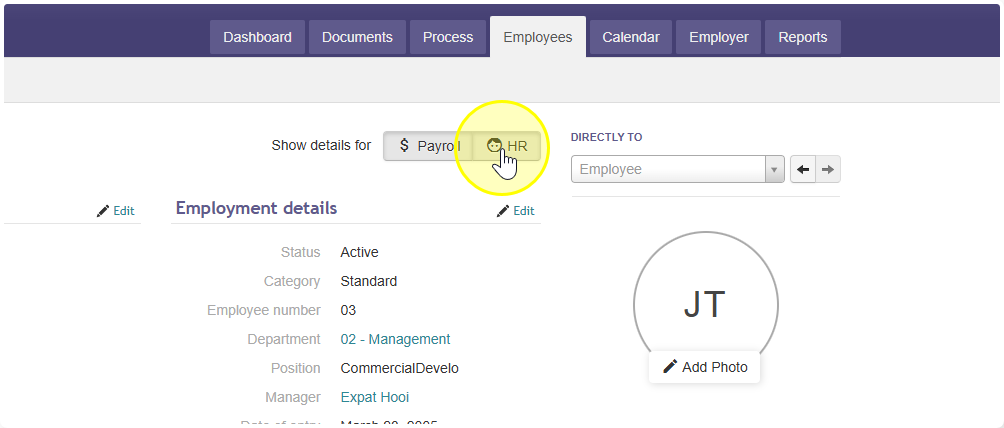
- Click on HR
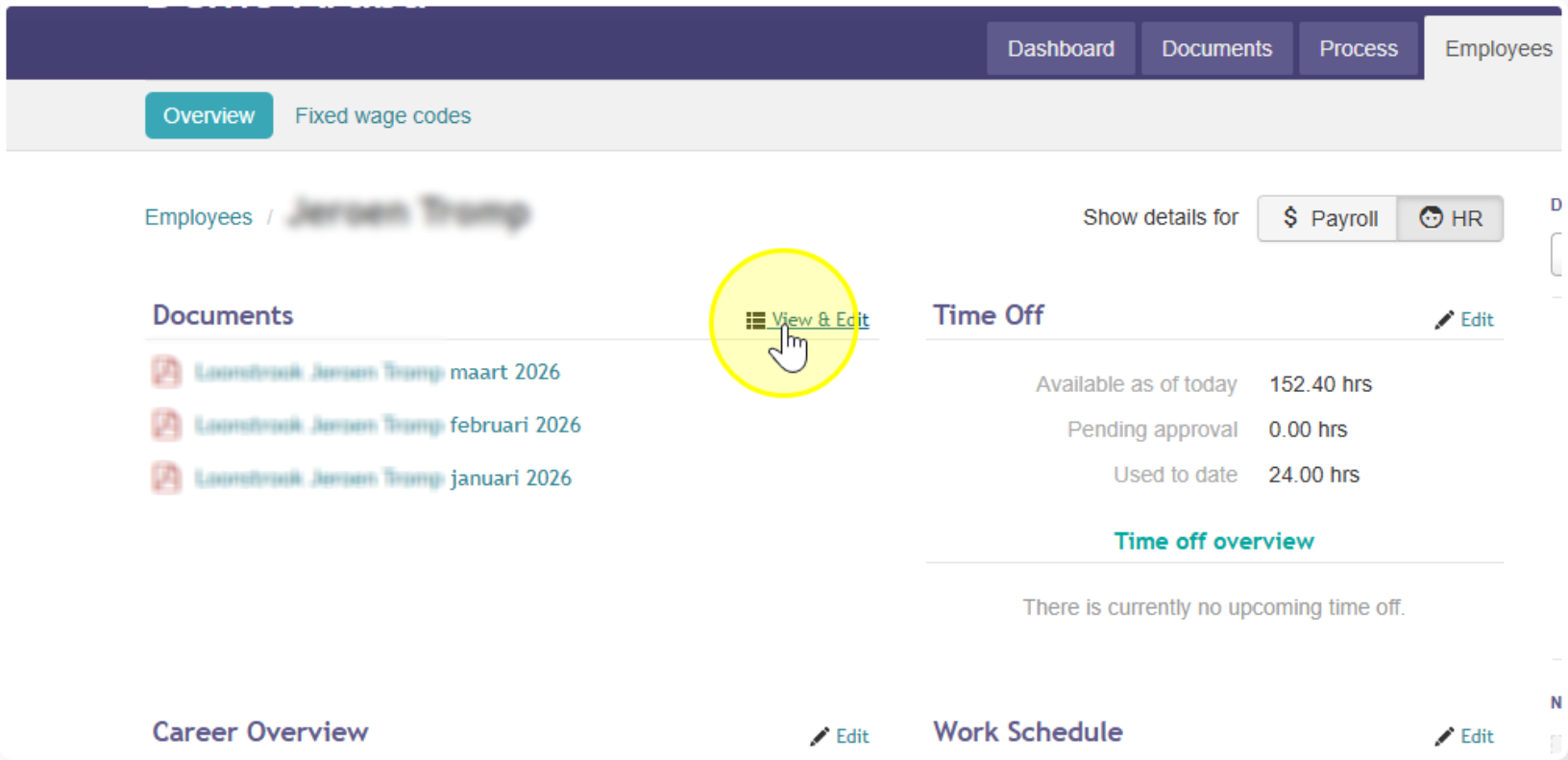
- Go to Documents / View & Edit.
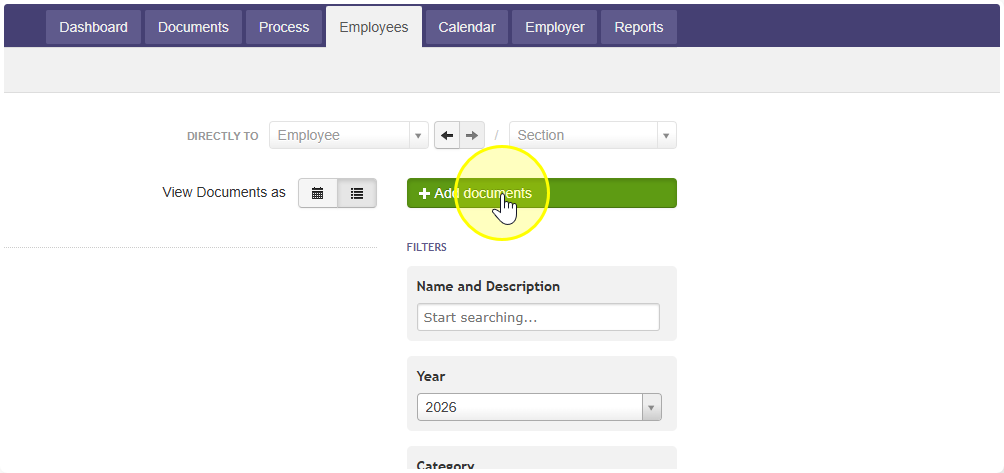
- Click + Add documents, then Select file(s).
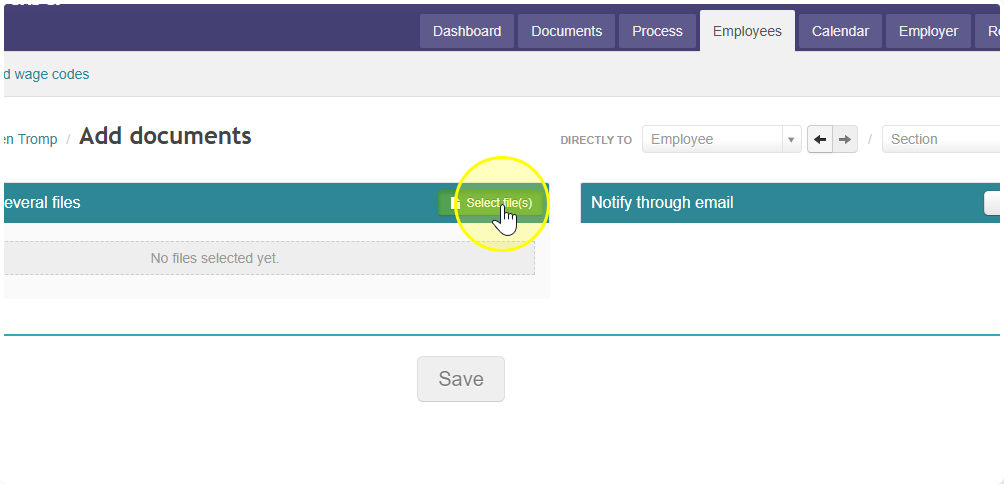
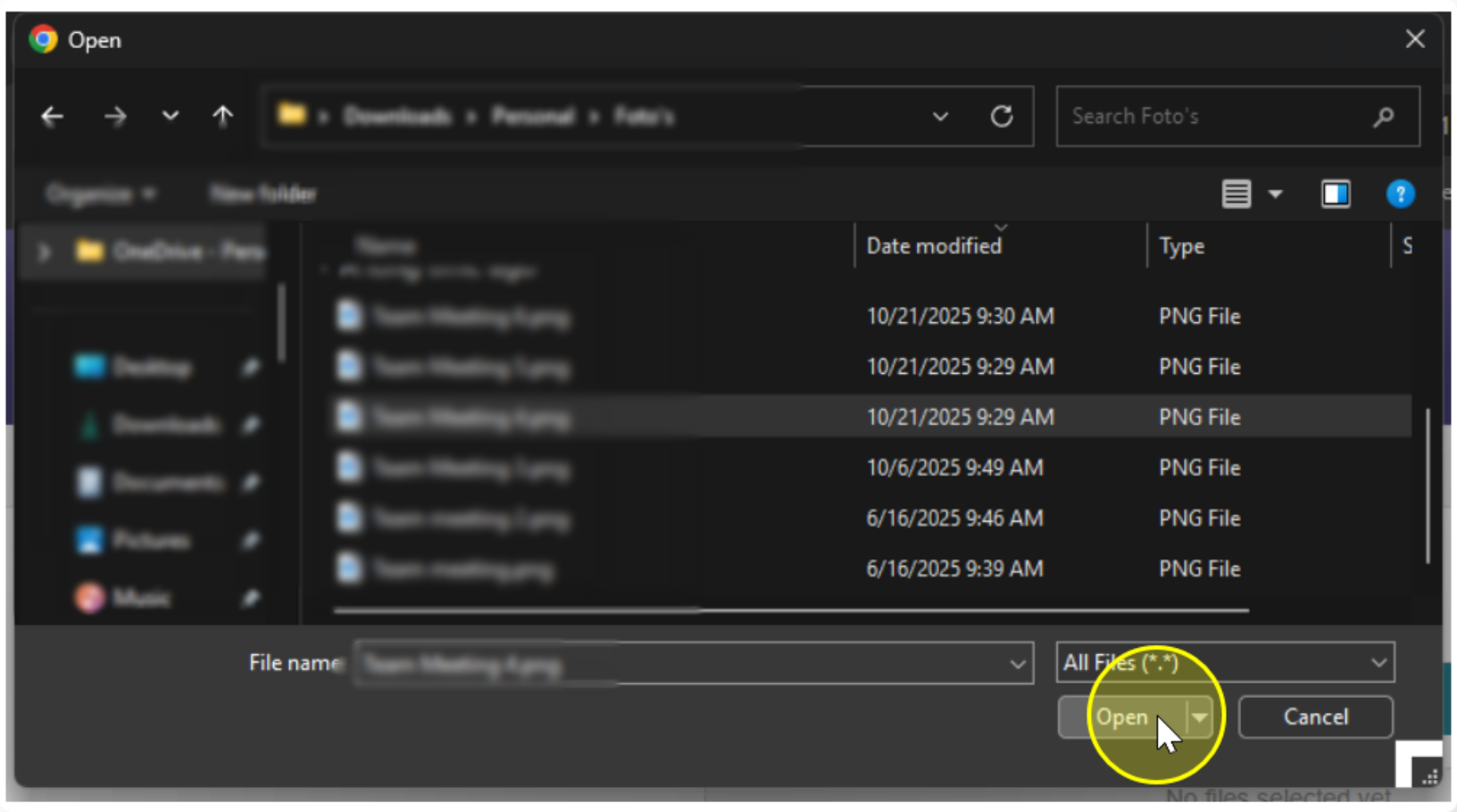
- Choose the file on your computer and click Open.
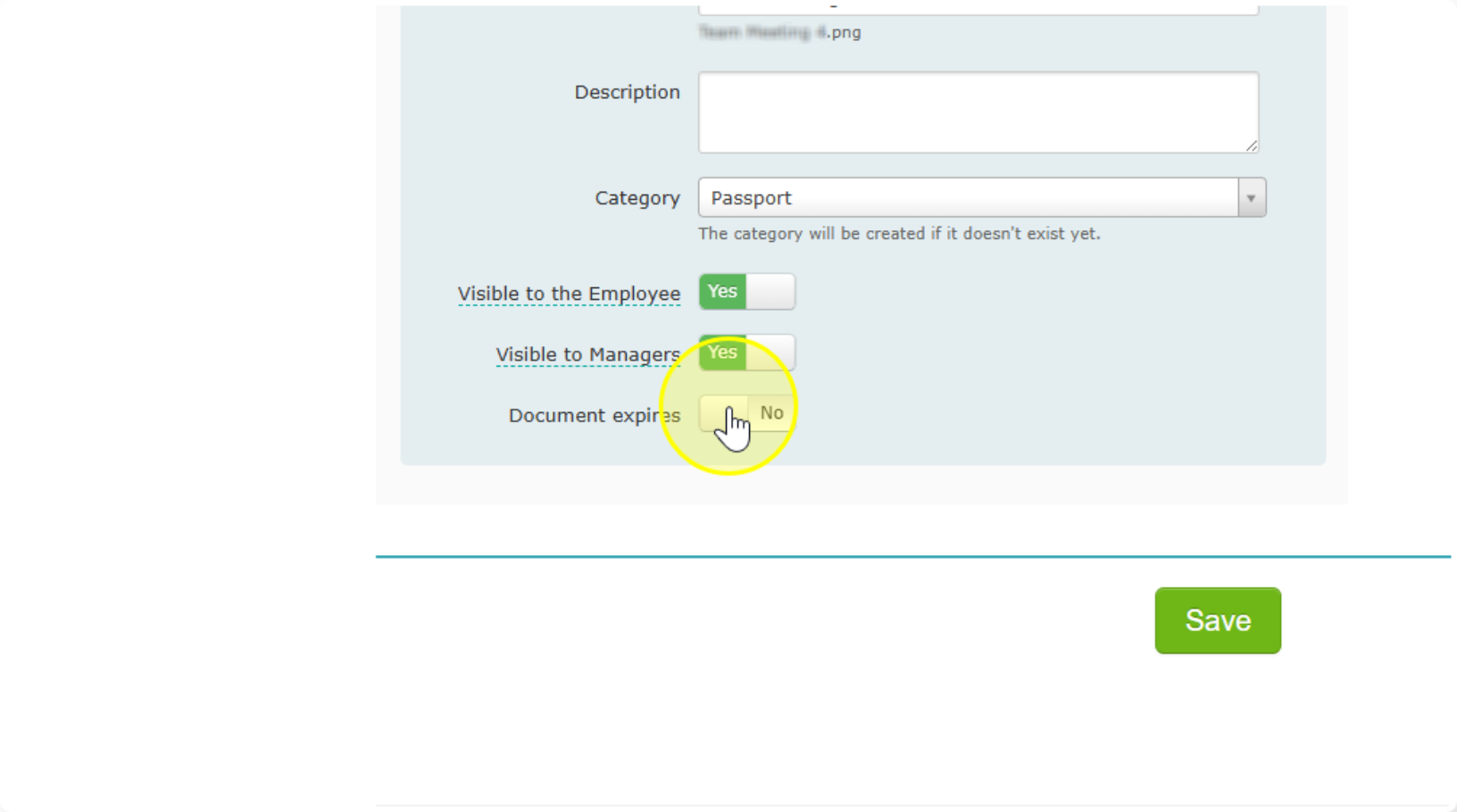
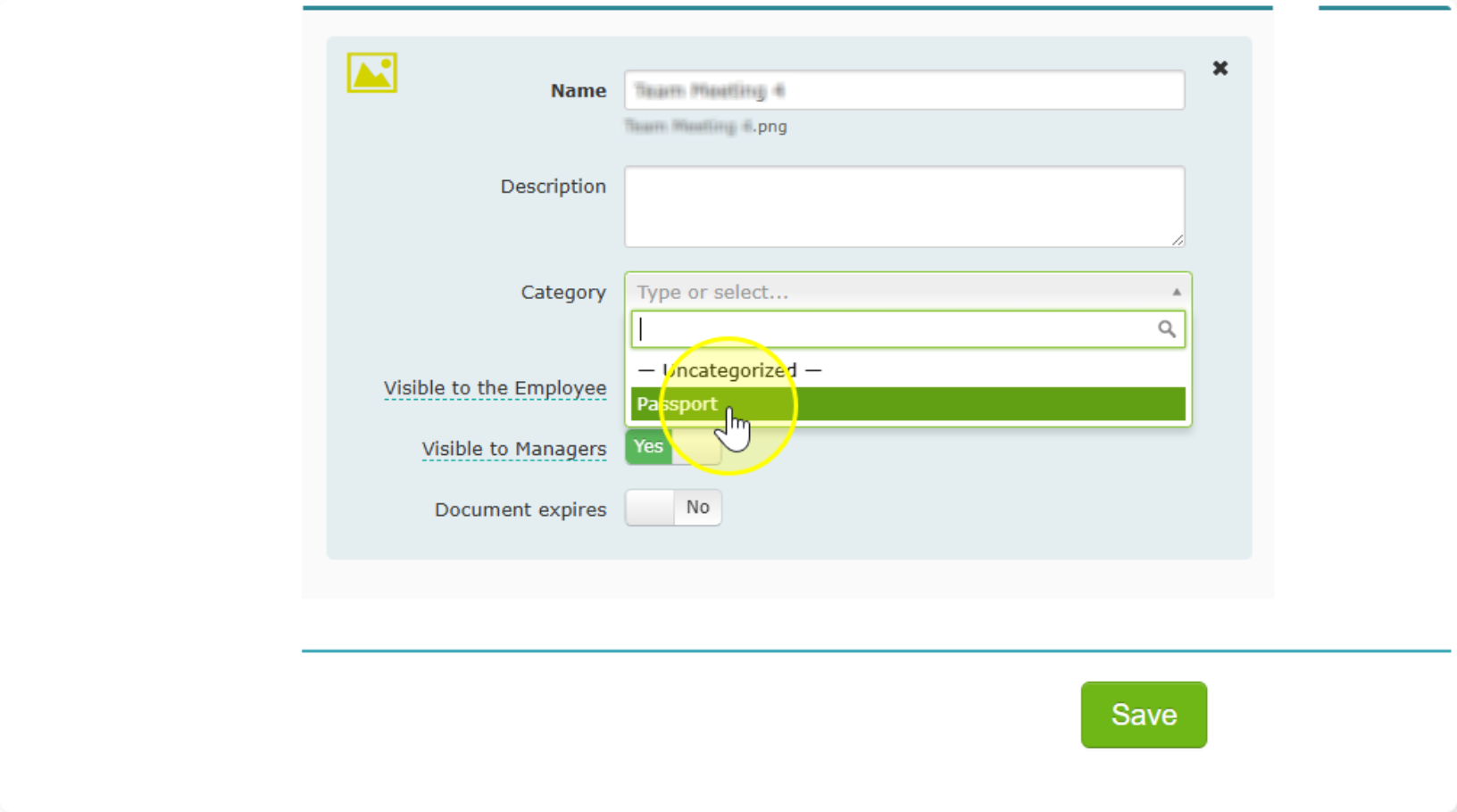
- Fill in the details, including an expiration date and a message for the manager if needed.
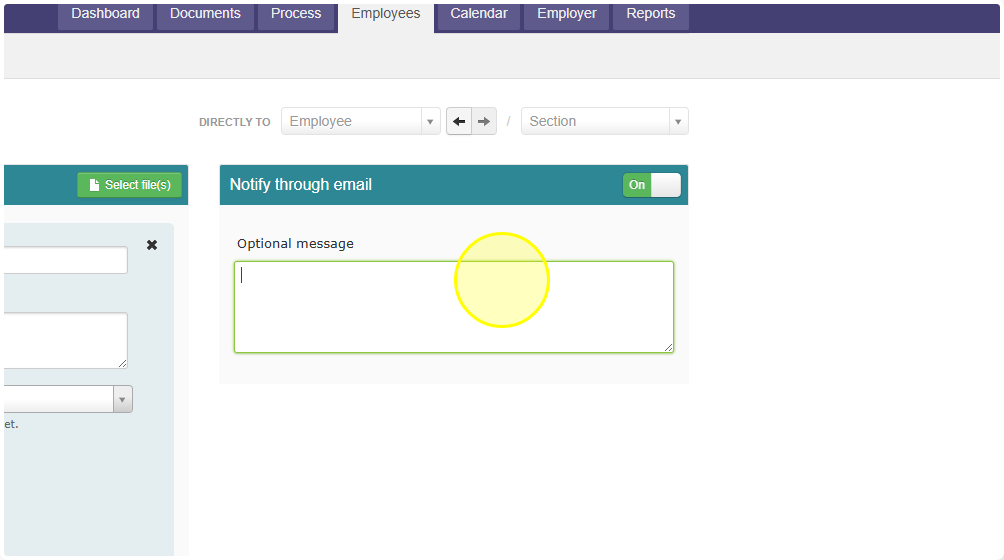
You can add as many reminders as you like.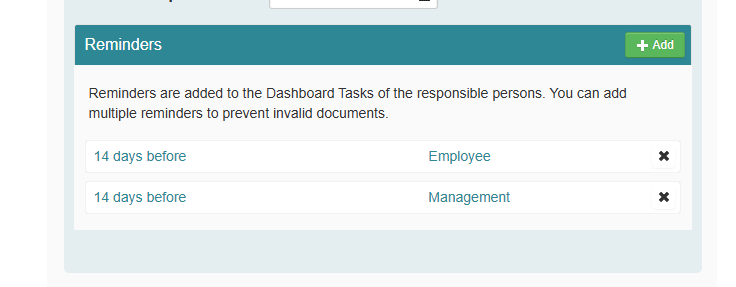
Handy extra: track expiration dates
You can enter the expiration date of documents such as:
- Sèdula (ID card)
- Driver's license
- SVB card
The system then automatically sends the employee a reminderbefore the document expires. No more surprises with a document that has quietly run out.