How does the Document Center work?
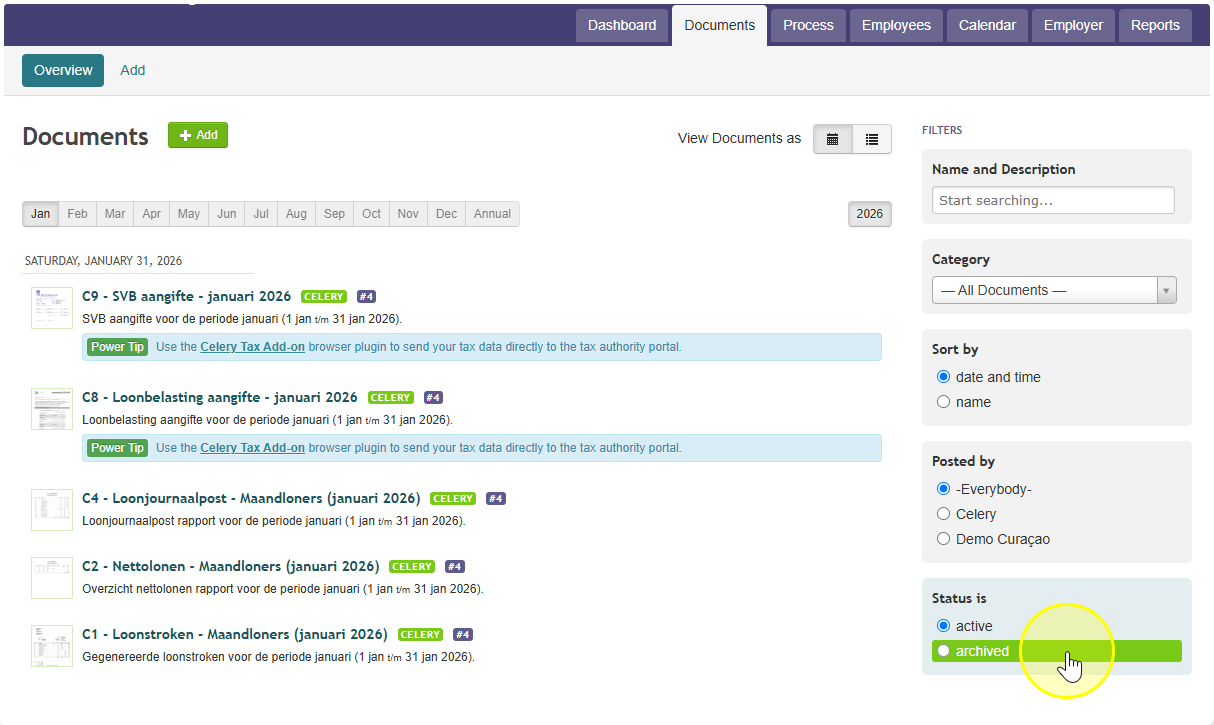
The Document Center is where you find all your payroll paperwork in one place.
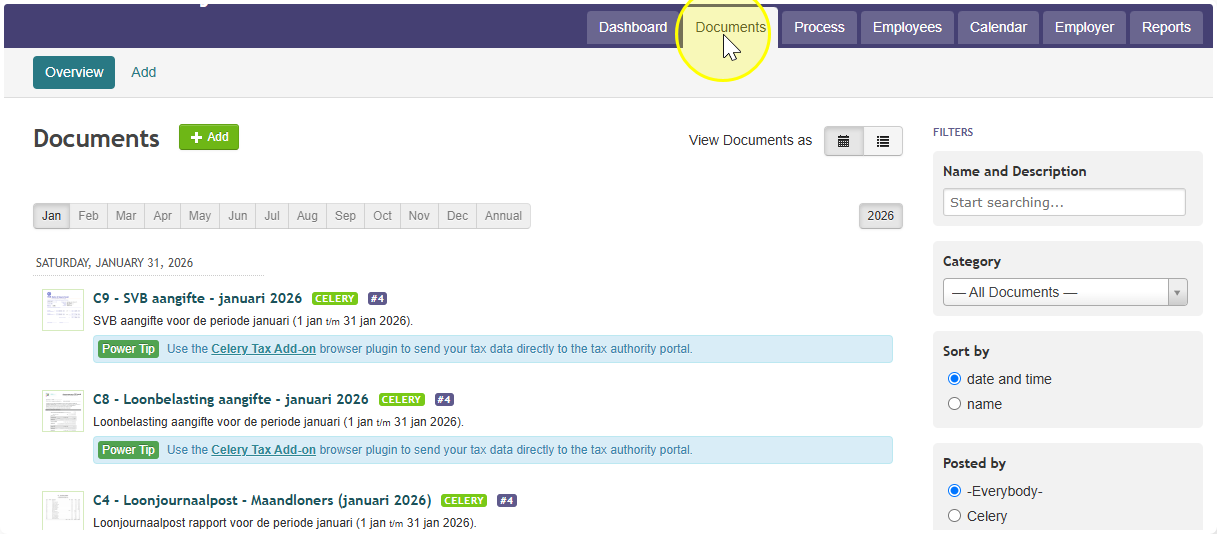
- Go to the "Documents" menu item to find it.
- Every payroll run, Celery automatically saves your documents here — things like pay slips, payroll journal entries, the monthly Wage Tax filing, and the SVB filing (Suriname's social security report).
- You can also upload your own files if you want to keep them together with a specific month's documents.
- The old version doesn't disappear. It gets archived, meaning it's stored safely in the background.
- You can't delete an archived document.
- This way, you can always look back and see the full history of every document, even old versions.